
How to Use Drug Interaction Checkers: A Step-by-Step Guide to Medication Safety
 Apr, 30 2026
Medication List & Interaction Checklist
How to use this tool: Use this workspace to build your complete medication list. Once listed, use a professional checker (like those mentioned in the article) to verify safety. This tool does not check interactions itself; it prepares you for the professional check.
Interaction Result Log
After checking these in a professional tool, mark the severity found:
While these checkers are incredibly powerful, they aren't magic. They are data-driven tools that provide warnings based on known pharmacological properties. The goal isn't to make you panic every time you see a warning, but to give you the right questions to ask your doctor or pharmacist. By following a structured process, you can use these tools to build a comprehensive safety plan for your health.
Quick Guide: How to Use a Checker
For those who need a fast answer, here is the basic workflow most tools follow:
- List your meds: Gather every prescription, OTC drug, and supplement you use.
- Input names: Type the generic or brand name into the search field.
- Confirm the form: Ensure you select the right version (e.g., oral tablet vs. topical cream).
- Analyze results: Look for severity levels (usually color-coded).
- Consult a pro: Take the results to your healthcare provider for a final call.
Choosing the Right Tool for Your Needs
Not all checkers are built the same. Depending on whether you are a patient, a caregiver, or a developer, you will need a different type of interface. For most people, a consumer-friendly app is the best bet. Medisafe is a popular mobile option that simplifies the process for daily users. If you are looking for something more academic or professional, web-based tools like those offered by the University of Liverpool provide deep dives into specific therapeutic areas, such as their specialized COVID-19 DDI Checker.
For those building health tech, DrugBank offers an API that allows developers to integrate interaction data directly into other apps. This is far more complex but allows for massive scale. On the clinical side, hospitals use integrated systems like Micromedex or Lexi-Interact, which are baked directly into electronic health records (EHR) to alert doctors in real-time during the prescribing process.
| Tool | Primary Audience | Key Strength | Delivery Method |
|---|---|---|---|
| Medisafe | General Consumers | Ease of use & reminders | Mobile App (iOS/Android) |
| Lexi-Interact | Clinicians | High accuracy & depth | Professional Software |
| DrugBank | Developers | Data integration (API) | API/Database |
| Micromedex | Hospitals | EHR Integration | Enterprise Software |
Step-by-Step: Navigating a Drug Interaction Checker
Let's walk through the actual process of using these tools so you don't miss any critical steps. Whether you are using a free website or a paid app, the logic remains the same.
Step 1: Create Your Full List
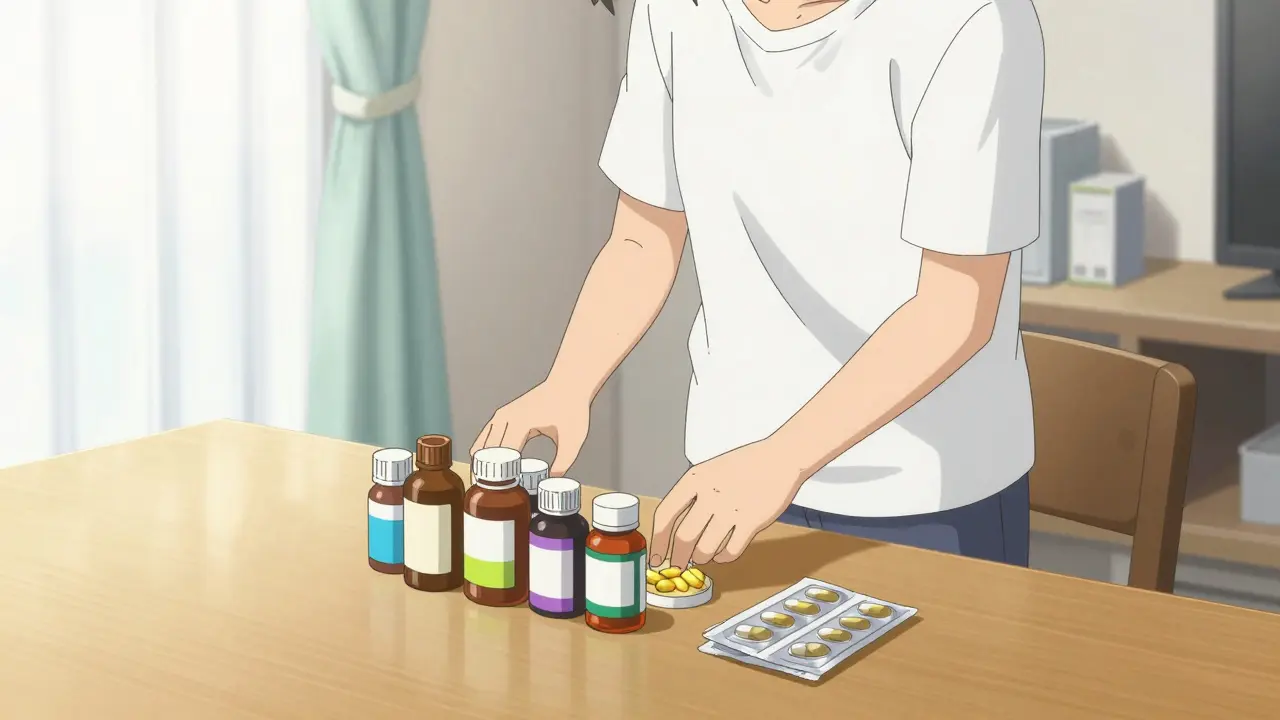
Before you open the app, grab every bottle in your medicine cabinet. This includes things you might not think are "drugs," like St. John's Wort, fish oil, or high-dose Vitamin K. Many people forget that supplements can be just as reactive as prescription meds. For example, a common but dangerous combo is Warfarin and Ibuprofen, which can significantly increase your risk of bleeding.
Step 2: Enter Medications Accurately
Start typing the name of your drug. Most tools use an autocomplete dropdown. Always select the drug from the list rather than just typing the name and hitting enter. This ensures the system matches the drug to its specific chemical ID in the database. Be careful with generic vs. brand names; if the tool doesn't recognize "Tylenol," try "Acetaminophen."
Step 3: Specify the Administration Route
This is a part people often skip. Is the drug a pill, a patch, or an injection? Some interactions only happen when a drug is absorbed through the gut. If you are using a topical cream, it may not interact with an oral pill in the same way. Selecting the correct formulation prevents a lot of "false positive" alerts that can cause unnecessary stress.
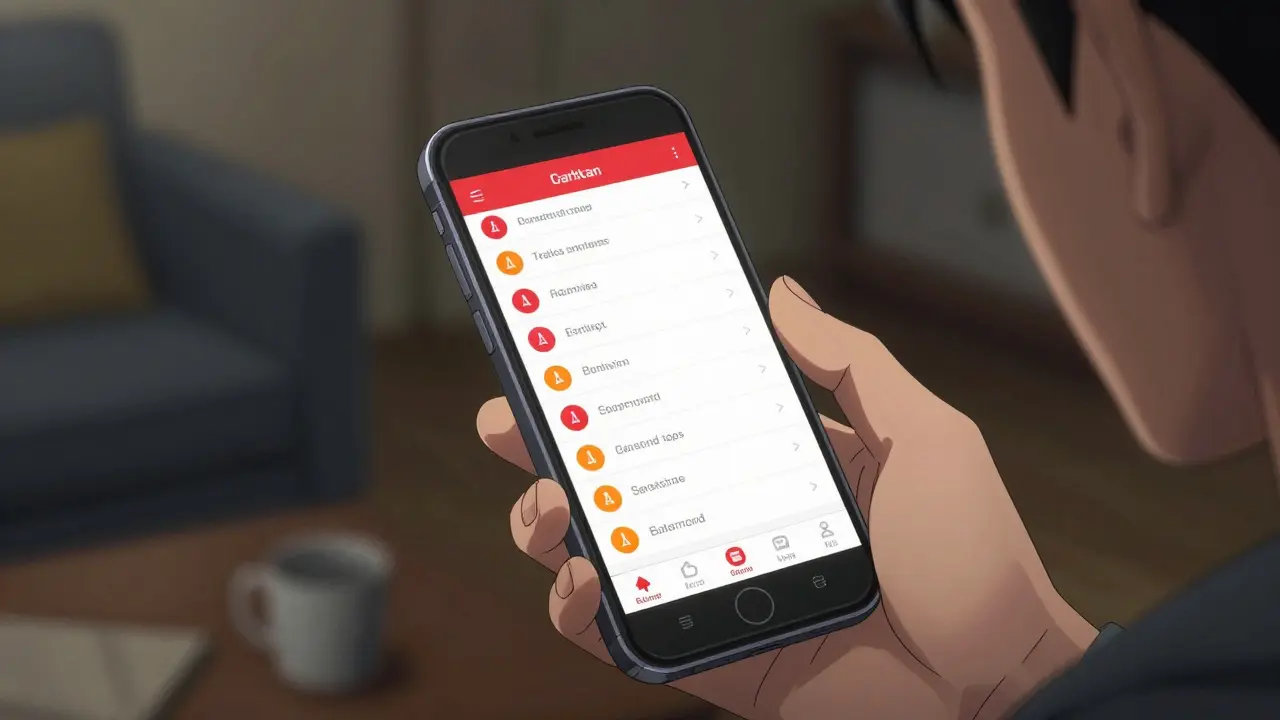
Step 4: Interpret the Severity Levels
Once you hit "Check," you will likely see a list of results. Most systems use a visual shorthand to tell you how worried you should be:
- Red/Contraindicated: These are the "stop" signs. The drugs should generally not be used together because the risk is too high.
- Orange/Significant: These are "caution" signs. You can take them, but you might need a dose adjustment or closer monitoring from a doctor.
- Yellow/Minor: These are "FYI" notes. The interaction is weak, and while it's good to know, it usually doesn't require a change in treatment.
- Green/No Interaction: No known clash between these specific substances.
Step 5: Read the Detailed Description
Don't just look at the color. Click the info icon or the "Details" link. The software will tell you why they interact. Does one drug stop the other from working? Does the combination cause your blood pressure to drop too low? Knowing the "why" helps you describe the problem to your pharmacist more clearly.
The "Human Element": Why You Can't Trust Software Alone
Here is the hard truth: no software is 100% accurate. Clinical data shows that these checkers have a sensitivity rate typically between 60% and 85%. This means there is a gap where dangerous interactions can still slip through the cracks. If a checker says "No Interaction," it doesn't necessarily mean it's safe; it just means there isn't a documented report of an interaction in that specific database.
On the flip side, some professional tools suffer from "alert fatigue." Doctors often see so many irrelevant warnings for routine combinations that they start ignoring them. This is why a pharmacist's expertise is irreplaceable. They provide the clinical context that a computer lacks. For instance, a software tool might flag a combination as "Significant," but a pharmacist knows that for your specific kidney function and age, the risk is actually negligible.
Common Pitfalls and How to Avoid Them
Using these tools can be frustrating if you don't know the quirks. One of the most common complaints is the "dropdown failure," where a tool doesn't recognize a generic name properly. If this happens, try searching for the active ingredient listed on the back of the packaging.
Another mistake is only checking two drugs at a time. If you take five different medications, you need to check all five together. Interactions can be cumulative; while Drug A and Drug B might be fine, and Drug B and Drug C might be fine, the combination of A, B, and C together could create a systemic issue.
Lastly, avoid the temptation to self-adjust your dosage based on a checker's result. If a tool tells you that a drug is "contraindicated," do not simply stop taking it. Suddenly stopping some medications can cause rebound effects or withdrawal. Always call your clinic first.
Are free drug interaction checkers accurate?
Most free tools are based on reliable databases, but they may not be as comprehensive as paid clinical versions like Lexi-Interact. While they are great for a first-pass screening, they should be used as a starting point for a conversation with a professional, not as a final medical diagnosis.
Do these checkers include food and alcohol interactions?
Many do. Some sophisticated checkers will warn you if a medication interacts with grapefruit juice, dairy products, or alcohol. However, this varies by tool, so check the "Supplements/Food" section of the app specifically.
What should I do if the checker shows a "Contraindicated" result?
Do not panic and do not stop your medication immediately. Contact your prescribing doctor or pharmacist. Tell them, "I used an interaction checker and it flagged a contraindication between Drug X and Drug Y. Is this a concern for my specific health profile?"
Can I use these tools for herbal supplements?
Yes, but be aware that herbal supplements are not regulated as strictly as pharmaceuticals, so the data in the checkers may be less complete. Always look for the generic name of the herb (e.g., Hypericum perforatum for St. John's Wort) to get the most accurate result.
Why does my doctor use a different tool than the one I found online?
Doctors typically use enterprise-grade systems like Micromedex that are integrated into the hospital's electronic health records. These tools often have more detailed monographs and are updated more frequently with the latest clinical trial data.
Next Steps for Your Safety Plan
If you have just discovered a potential interaction, your next move depends on the severity. For red or orange alerts, call your pharmacist immediately. They can often suggest an alternative medication that does the same thing but doesn't clash with your current regimen.
For those managing complex chronic illnesses (polypharmacy), we recommend a "Medication Review" appointment. This is a dedicated session where a pharmacist looks at every single thing you take-including vitamins-and runs them through a professional checker. This is the most effective way to ensure your safety plan is airtight and that you aren't experiencing side effects that you've mistakenly attributed to aging or other illnesses.
Lando Neal
May 1, 2026 AT 03:03Totally forgot about the fish oil part!! I've been taking those for years and never once thought they could clash with anything... thanks for the heads up!!!
Andrew Hanssen
May 2, 2026 AT 12:40The obsession with software in modern medicine is truly exhausting. One must wonder if the proliferation of these "checkers" simply serves to absolve the physician of their duty to actually know the pharmacology of the drugs they prescribe.
Robert Cowley
May 2, 2026 AT 14:52Oh look, another "guide" telling us to trust a database that's only 60-85% accurate! 🙄 Absolute joke. Why even bother if the margin of error is that massive? Just a fancy way to make us feel safe while we play Russian roulette with our prescriptions. Truly pathetic! :/
Rebekah Korak
May 3, 2026 AT 20:27It's honestly fascinating how people just blindly follow these digital tools without considering the metaphysical connection between the body and the chemical compounds, because if you actually dive into the holistic intersection of biochemistry and spiritual wellness, you realize that a red flag on an app is just a superficial manifestation of a deeper systemic imbalance that no amount of generic drug switching can ever truly rectify, not that most people have the intellectual patience to explore the nuanced layering of how herbal supplements actually synchronize with the endocrine system over long periods of time, but hey, keep using your little apps if that makes you feel like you're in control of your destiny.
Ken Baldridge
May 3, 2026 AT 21:49This is a solid breakdown of the ecosystem. For those of you dealing with polypharmacy, you've gotta lean into that medication review session. It's basically a full-scale audit of your pharmacological profile to mitigate any adverse synergistic effects that a basic consumer app might miss. Total game changer for long-term health optimization!
Bradley Gusick
May 5, 2026 AT 07:04The real question is who owns the databases these apps use! Probably the same corporate entities pushing the drugs in the first place! It's all a loop to keep us dependent on the system while they hide the real cures in plain sight. Wake up people, the "safety net" is actually a spider web!
Leah Sentz
May 6, 2026 AT 04:56I just love how we have to do the work for the doctors now 🙄😒. This country is going downhill and our healthcare is just a joke!! 🇺🇸💔
Christina Lancey
May 6, 2026 AT 20:59I think it's wonderful that we have these tools to help us start the conversation with our doctors.
Halle Dagley
May 8, 2026 AT 15:42I find it laughtable that one must rely on a mobile aplicatun to ensure basic safety. It is a travesty of the highest order that our great nation allows such inefficiency in medical practicce!
Alexa Mack
May 10, 2026 AT 00:57I wonder if there are versions of these that are translated into other languages for people who aren't fluent in English? That would be so helpful for immigrant communities!